

How Receipt Scanning Works
Our AI analyzes your receipt image, extracts text and line-item structure, then creates one or multiple transactions for your review. The better the image quality, the more accurate the results.
Photo Tips for Best Results
- Capture the full receipt in the frame
- Use good, even lighting
- Avoid glare and reflections
- Keep the camera focused for sharp, clear text
- Lay the receipt flat with minimal folds or wrinkles
- Make sure text and line items are large and legible
Visual Examples
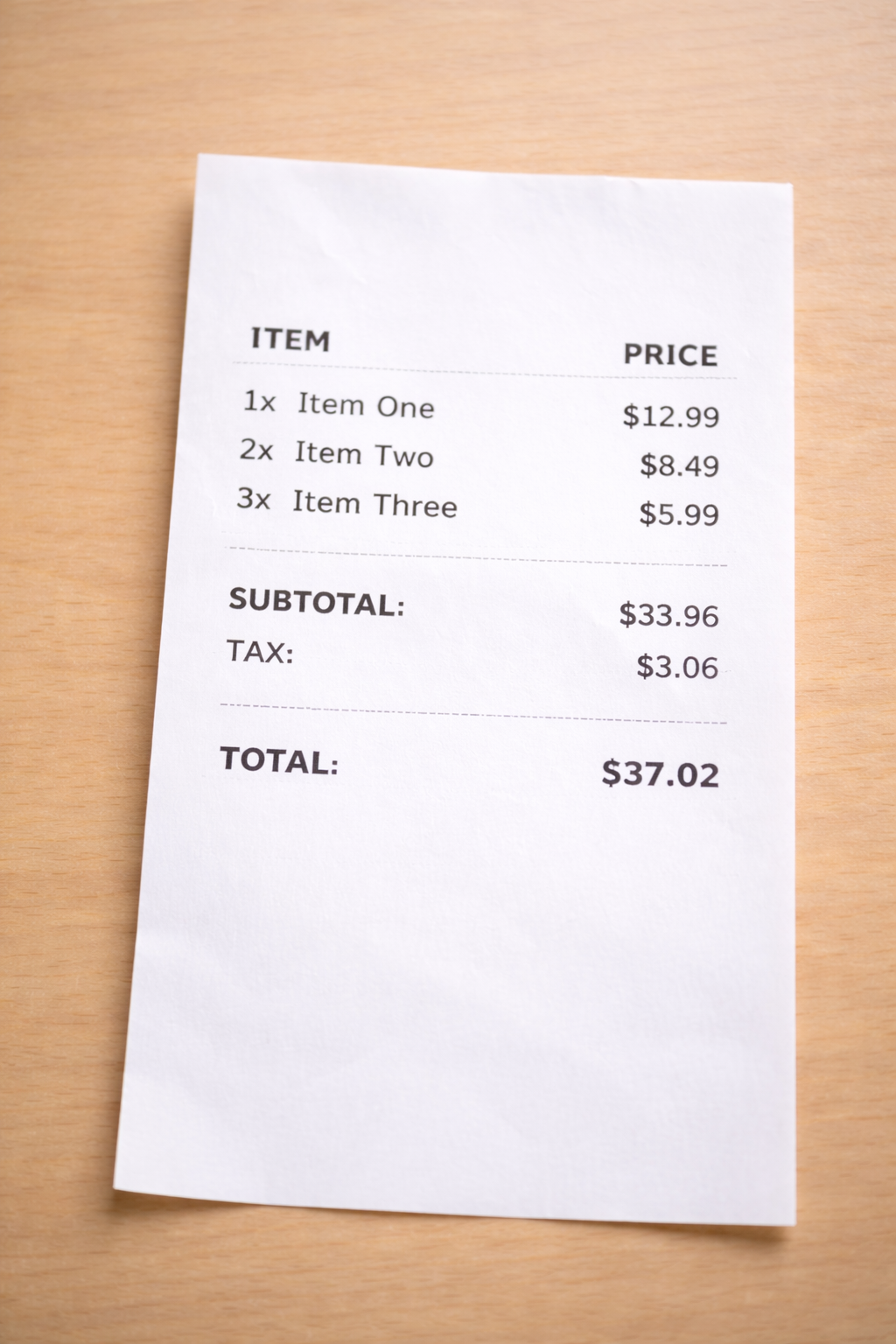
Good quality
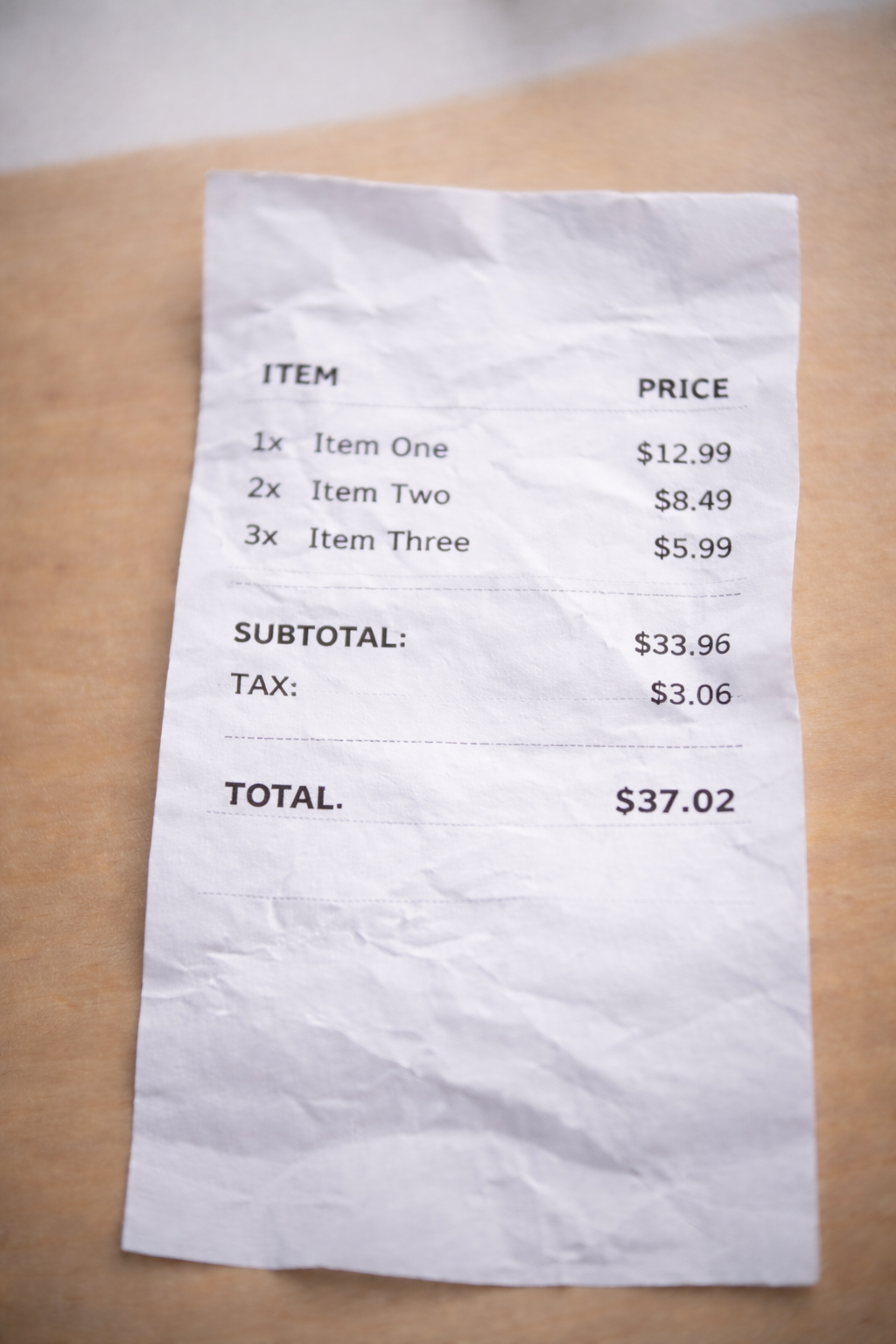
Poor quality
Note about food delivery receipts
If you want the entire order recorded as a single "Food delivery" expense, we recommend creating the transaction manually. Otherwise, AI may classify individual items (pizza, drinks, etc.) into different categories.